Home About How it works Shop Contact
Revolutionising the Future of Networking.

How Residue works.

What it does

Presence in one tap.

Residue is a laser-engraved, stainless-steel NFC card. Tap it on a phone and it launches your page with your name, phone, email, socials, website, and more.

All your desired details shared with a single tap.

Why it helps

The best introductions aren't interrupted by technology.

A single tap shares your details, links, and contact information instantly, allowing conversation to continue naturally.

While paper cards are often misplaced or discarded, Residue remains with you—ready to share, again and again.

Residue card tap-ready beside phone
Material presence

A quiet object with clear intent.

Matte-black steel with laser engraving and hidden NFC. It has weight in your wallet, vanishes in your pocket, and appears only when the moment calls for it—made for those who notice finish, edges, and silence.

How it works

From account to first tap.

A simple four-step experience to get your Residue card live and ready to share.

Create account

Sign up and secure your digital identity.

Purchase a card

Choose your Residue card and complete your order.

Set up personal details

Add the information and links you want people to see.

Tap or scan QR code

Share your profile instantly with a tap or QR scan.

Secure. Private. Yours. Your data is encrypted and you're in control of what you share.
Residue

Card Walkthrough

How the Card Works and How You Manage It

The Card Experience

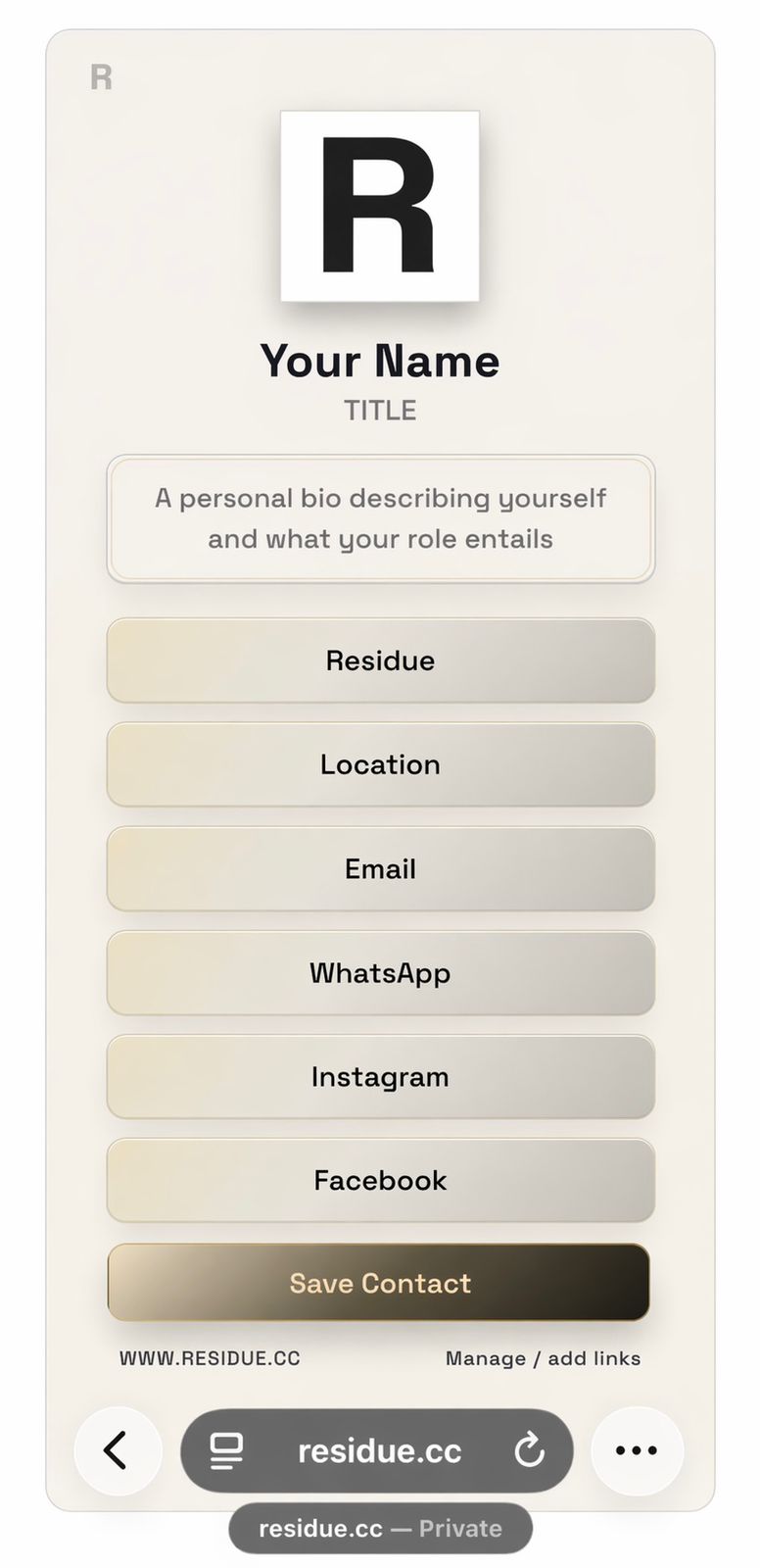
Tap your Residue card on a compatible phone and your digital profile opens instantly. It brings your identity, contact details, and key links together in one polished view that feels clear, premium, and easy to follow.

Your profile can also include a company section, giving space for your business name, logo, and supporting details alongside your personal information. That makes the card useful for both personal introductions and brand-led interactions.

Visitors can save your contact details, move to the right link quickly, and understand who you are without digging through clutter. The result is a smooth handoff that feels intentional from the first tap.

Residue digital profile preview

Card Management

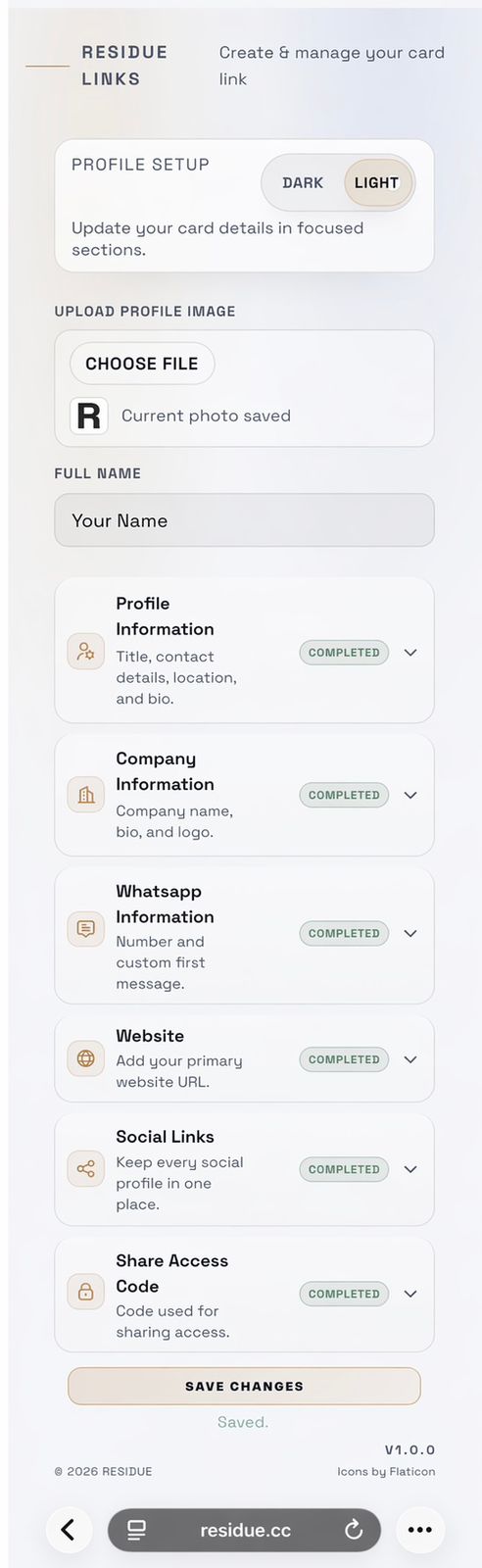
Once you sign in to the Residue dashboard, you can shape exactly what people see when your card is tapped. Personal details, company information, and links can all be updated from one controlled space.

Each section is managed individually, so it stays simple to refine your profile without rebuilding everything. You can keep information current, adjust what matters most, and maintain a presentation that fits your brand.

Display toggles let you hide or reveal sections whenever you need, while your saved content stays ready in the background. Light and dark modes help you keep the final profile clean, refined, and consistent.

Card management dashboard
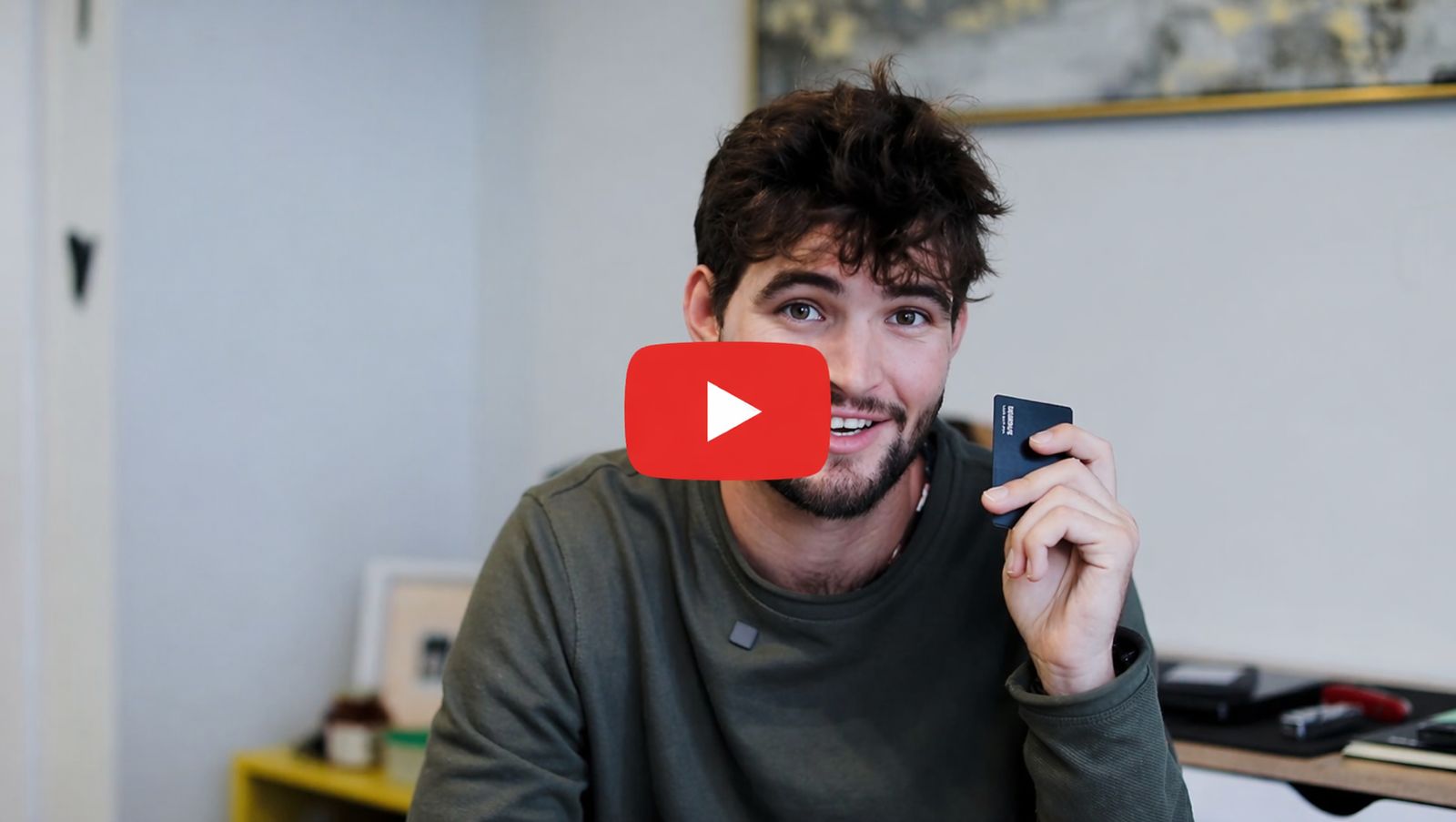
Tutorial

How to set up and manage your card

A step-by-step video guide to help you get the most out of your Residue card.

Residue setup and management tutorial preview
What you touch

Physical card layouts to choose from

Choose from four different card layouts to suit your style and preferences.

Tap to flip


Shop Now